Screenshots are one of the most effective way to quickly present a software tool, and give an impression of what it is capable of.
Here some screenshots of LAoE version 0.7.06:


Screenshots are one of the most effective way to quickly present a software tool, and give an impression of what it is capable of.
Here some screenshots of LAoE version 0.7.06:
Why LAoE?
Long long time ago, when I was beginning using linux, there were not many usable sound editors around. I decided writing my own one - so LAoE is born. This was in summer 2000.
LAoE has many (seen and) never-seen features. The clip, layer and channel concept, where the layers are painted one on top of each other, in analogy to multi-layer capable image-processing tools. The uniform clip concept, where each curve, each variable parameter, each histogram or spectrum view, each envelope-, resampling-, distortion- and and and... -function curve is editable as it were a normal audio channel. Every useful and senseless effect may be performed on them.
The zoomable and editable spectrogram, where you can isolate and filter out sound-parts which are not separable in the classical sample-curve view. The selections with its smooth intensity, to perform effects and functions progressively without hard edges. These are a few reasons why LAoE exists for you! Have a look at the screenshots, test it, use it, enjoy it!
oli4
Screenshots
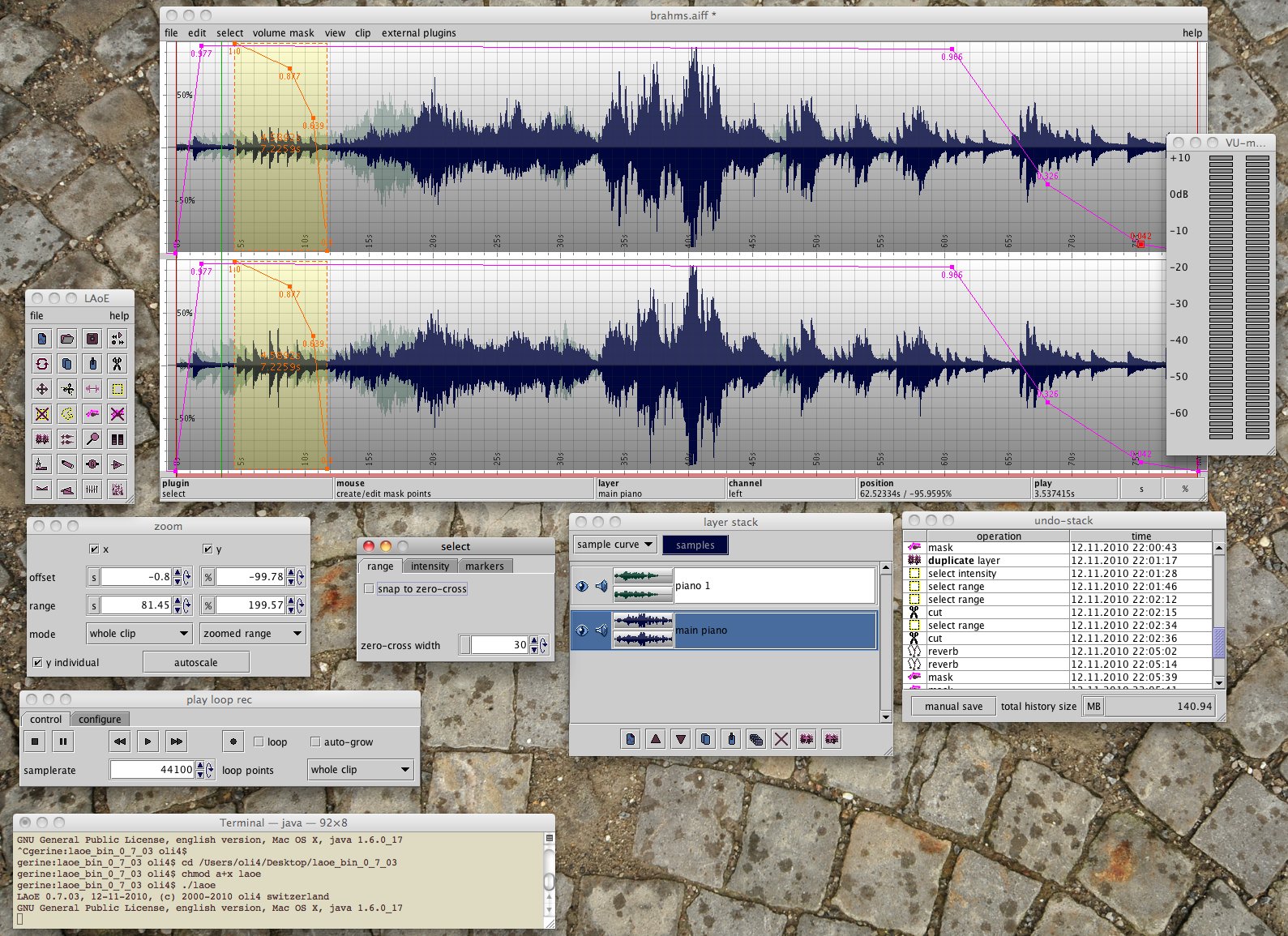
LAoE on OS X. You see... selection intensity, volume mask, layer stack, undo history ...in action.
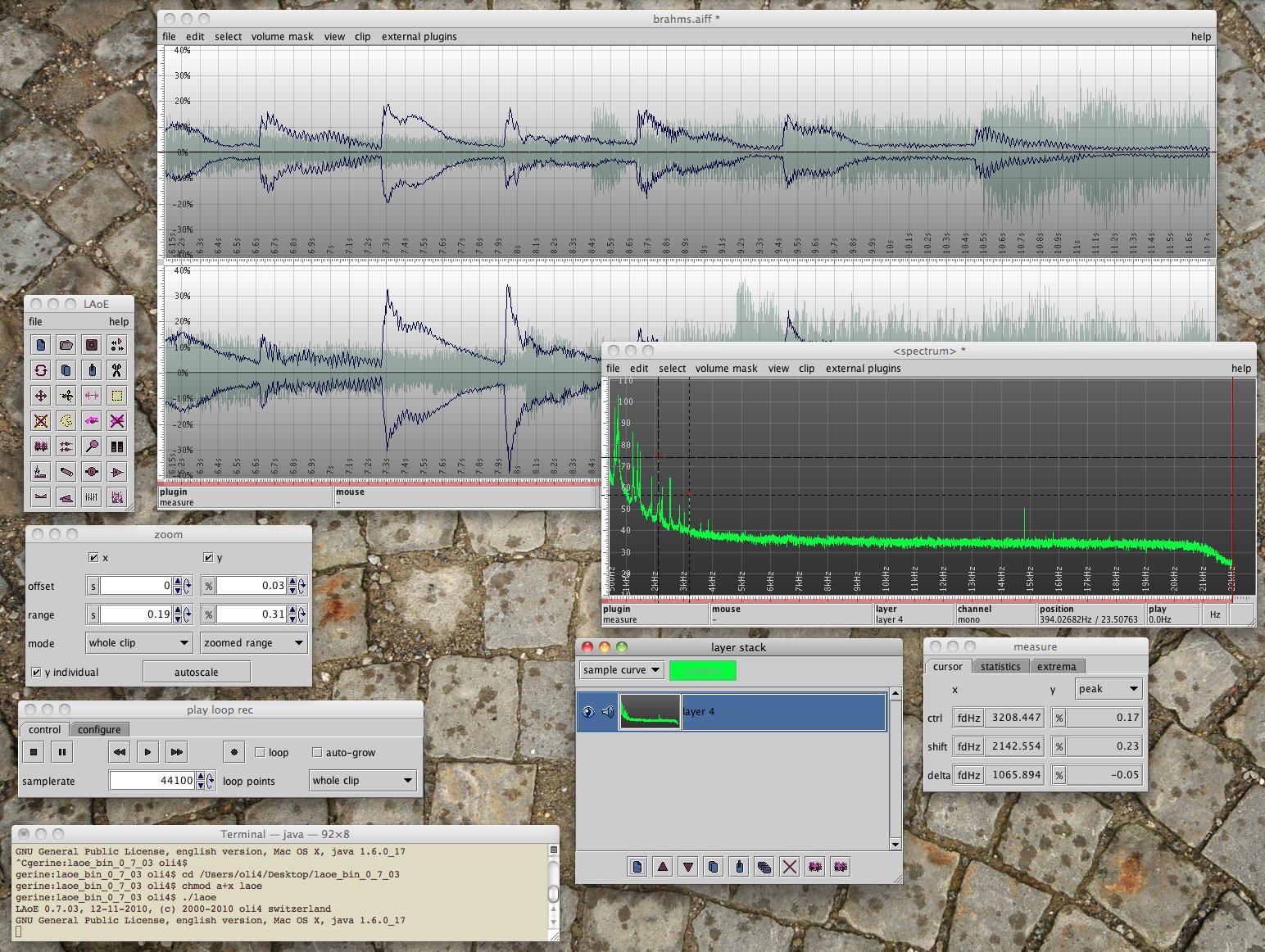
...multi-layer, spectrum analysis, channel stack...
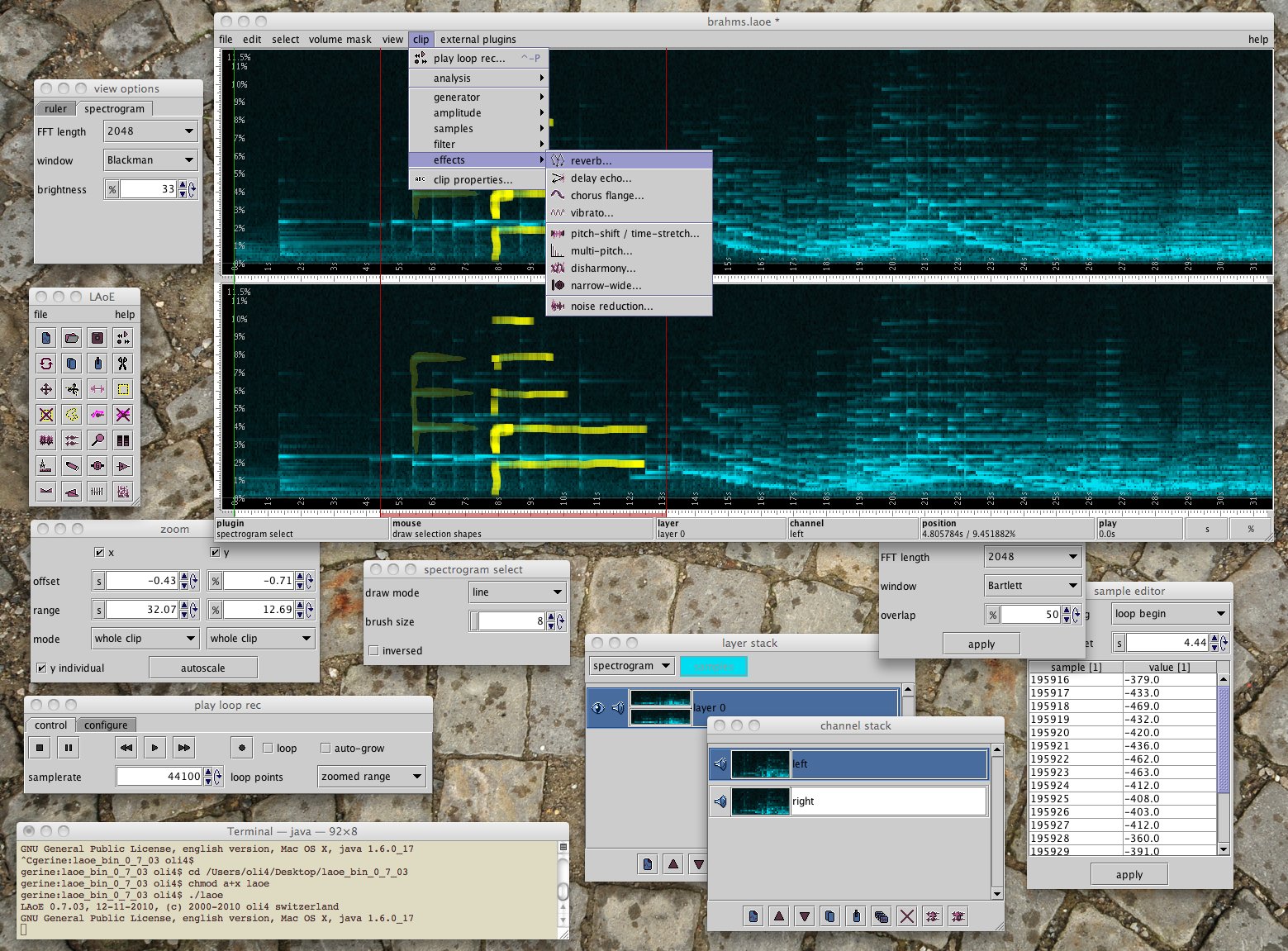
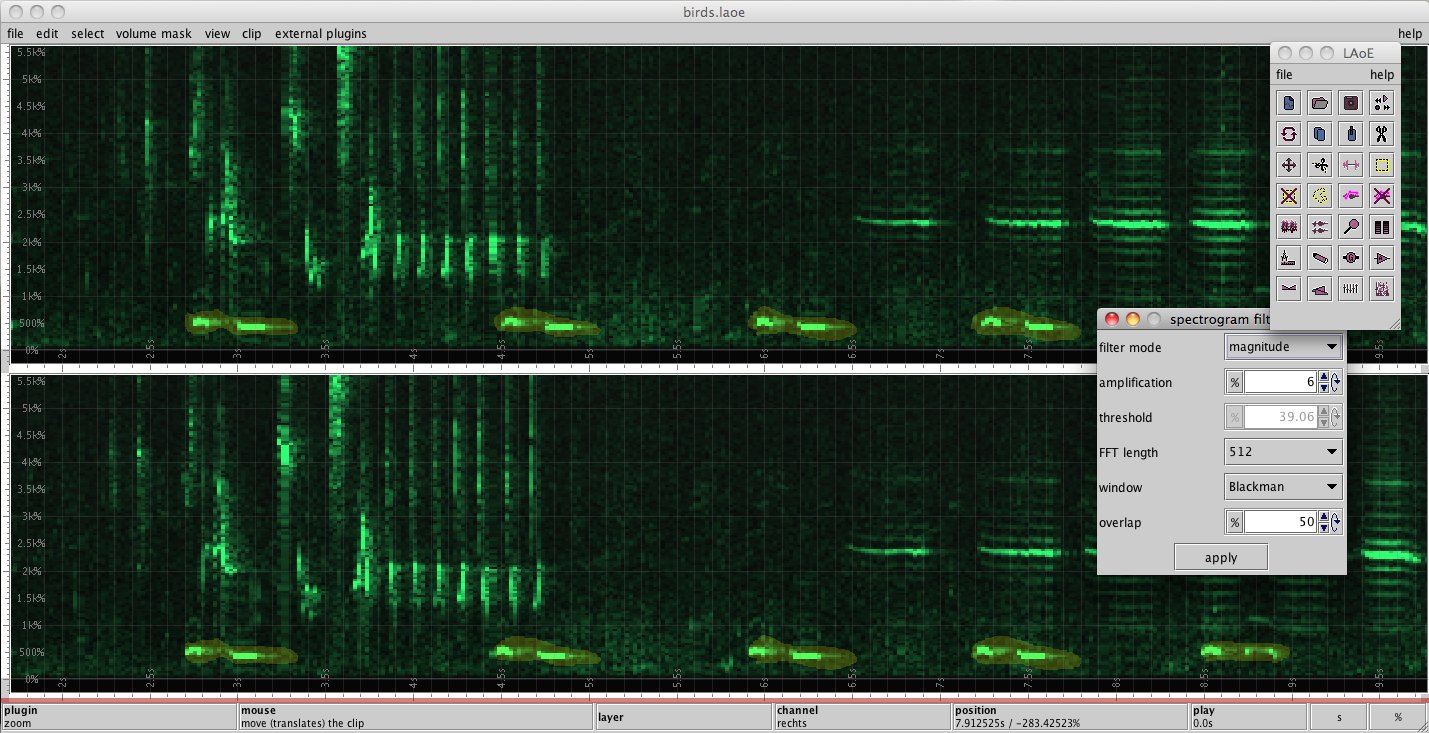
...spectrogram view and editing, spectrogram selection, spectrogram filter...
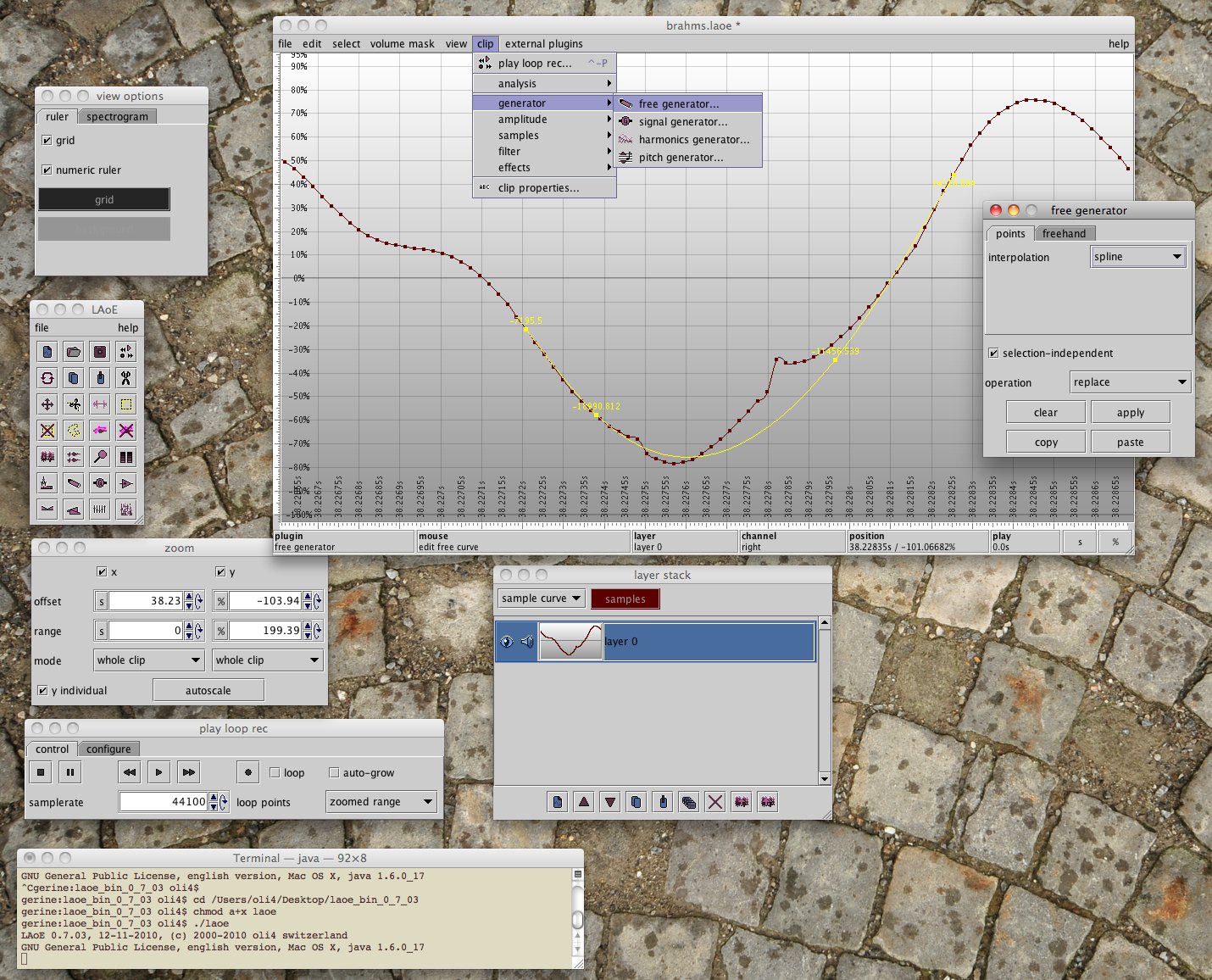
...sample level editing, manual audio restoration...
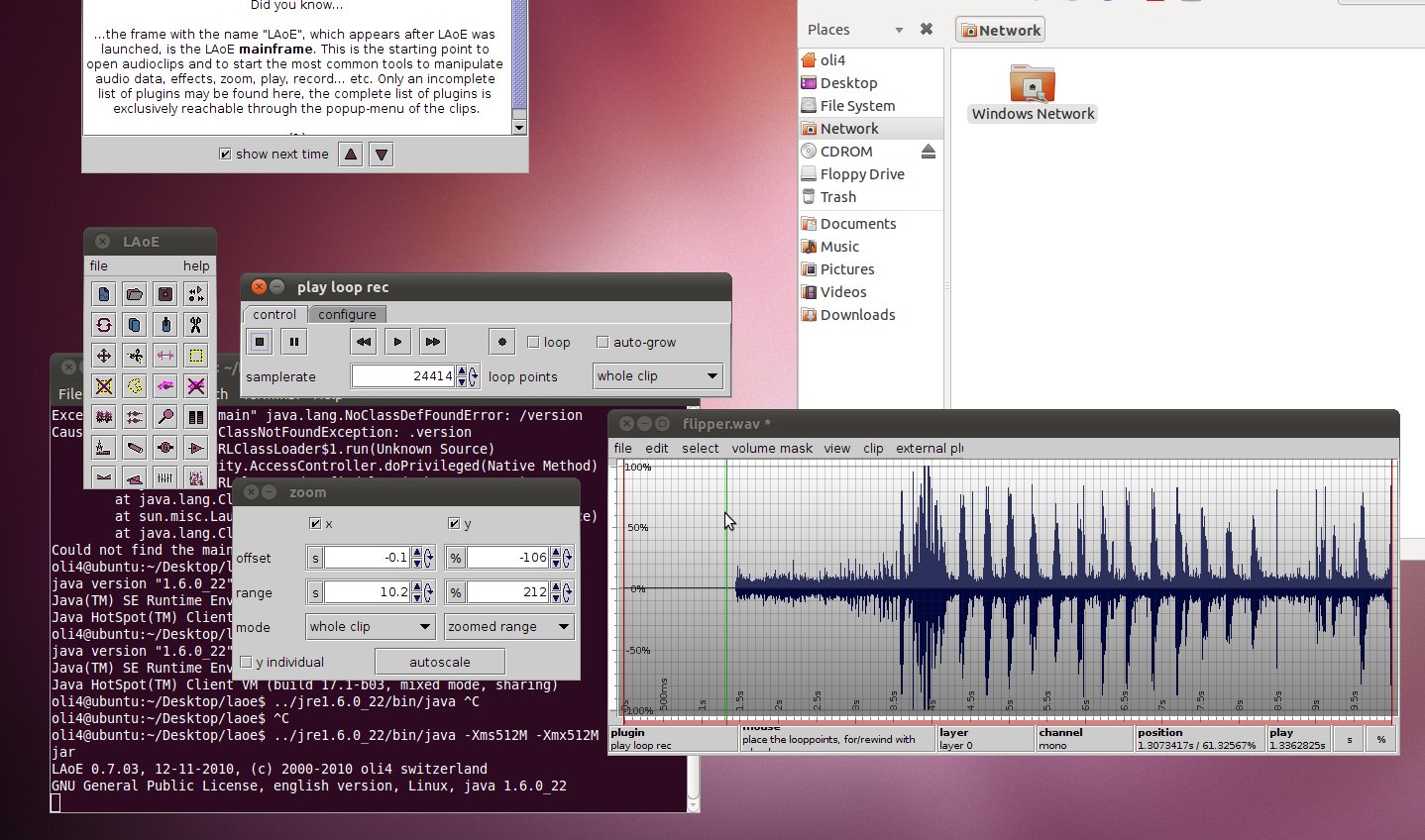
LAoE on Linux.
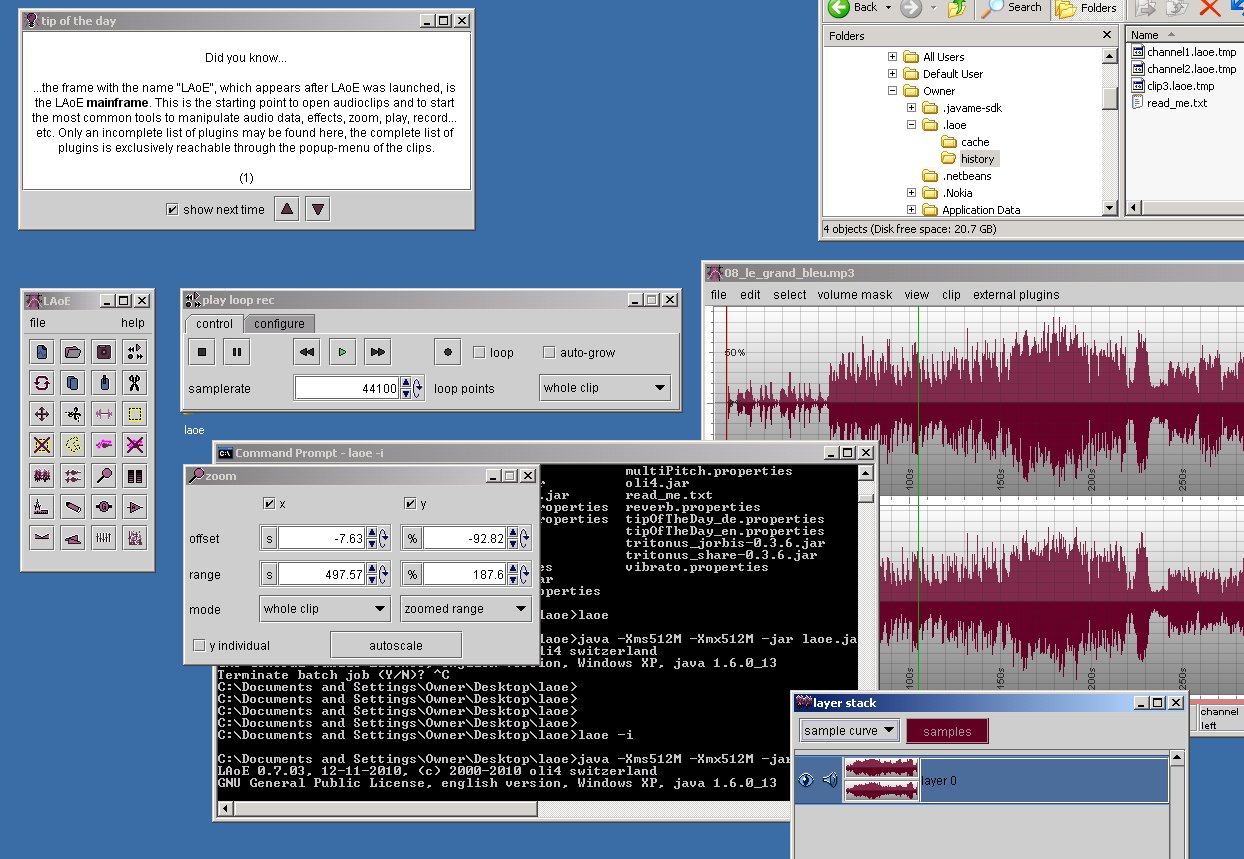
LAoE on Windows.
(c) 2001-2011 oli4, switzerland


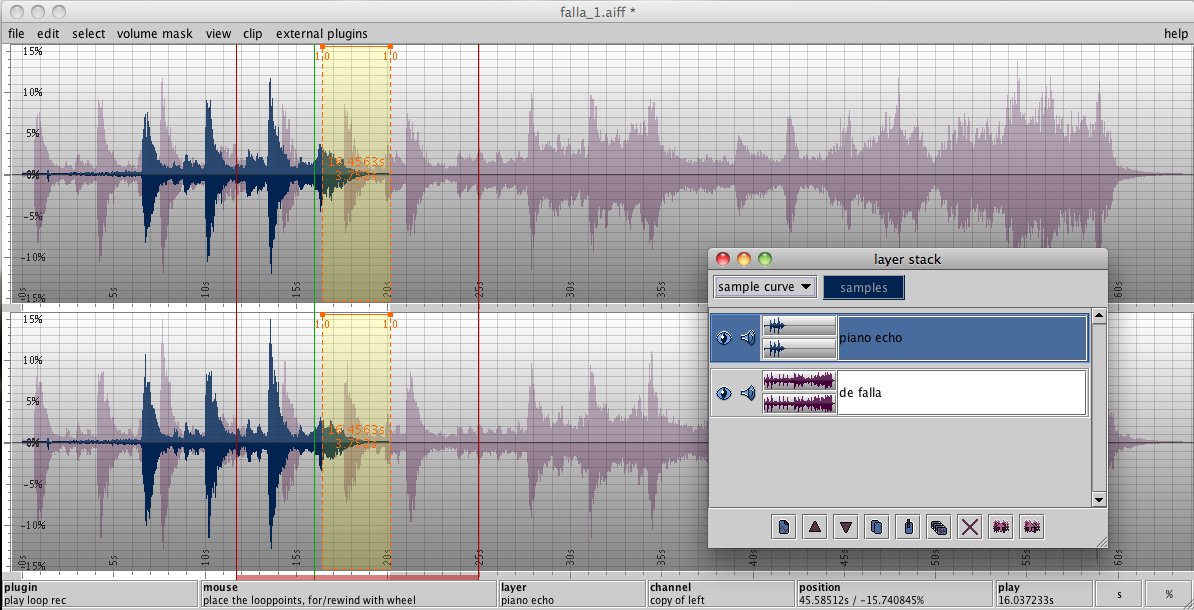
fade in with volume mask, starts with reverb, attenuate effect progressively...
second layer, second piano, fade out...
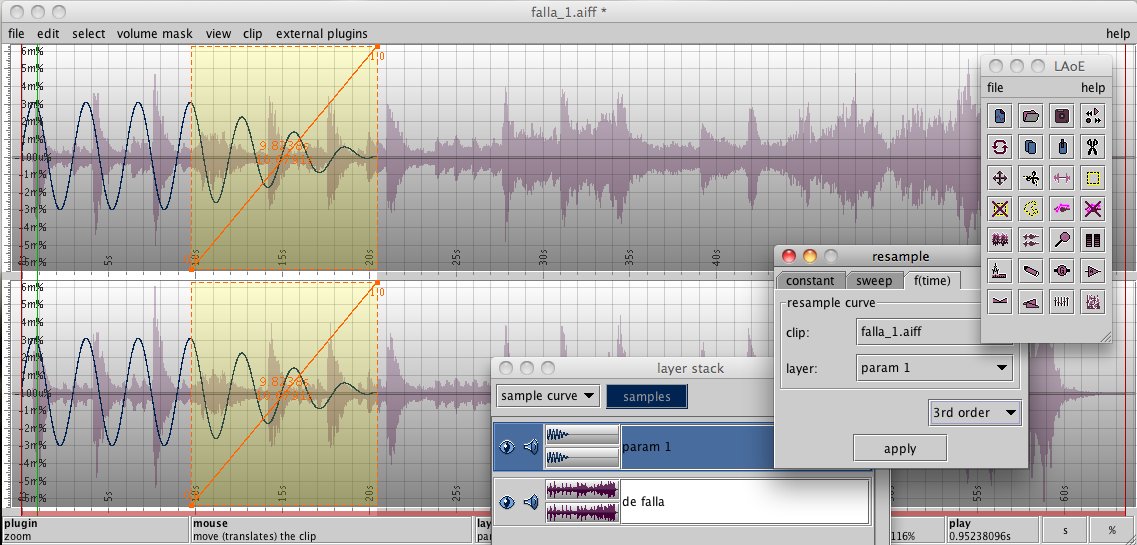
resample in function of variable parameter curve...
filter out the owl’s voice from the other bird’s songs, using spectrogram view and filter...
Here some older screenshots of LAoE version 0.7.03:
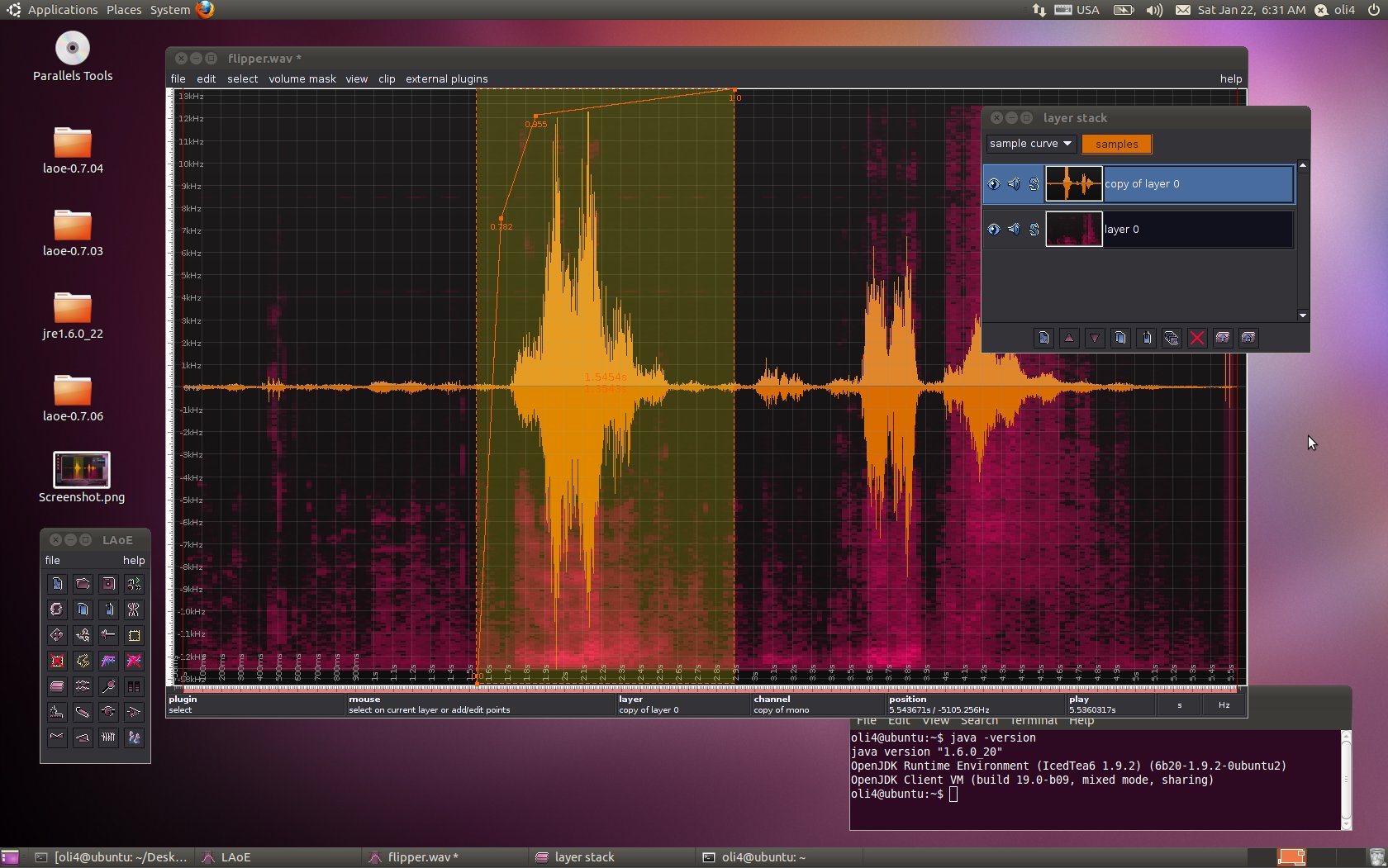

LAoE on Ubuntu Linux running with OpenJDK. You see... multi-layer, spectrogram and sample curve ...in action.
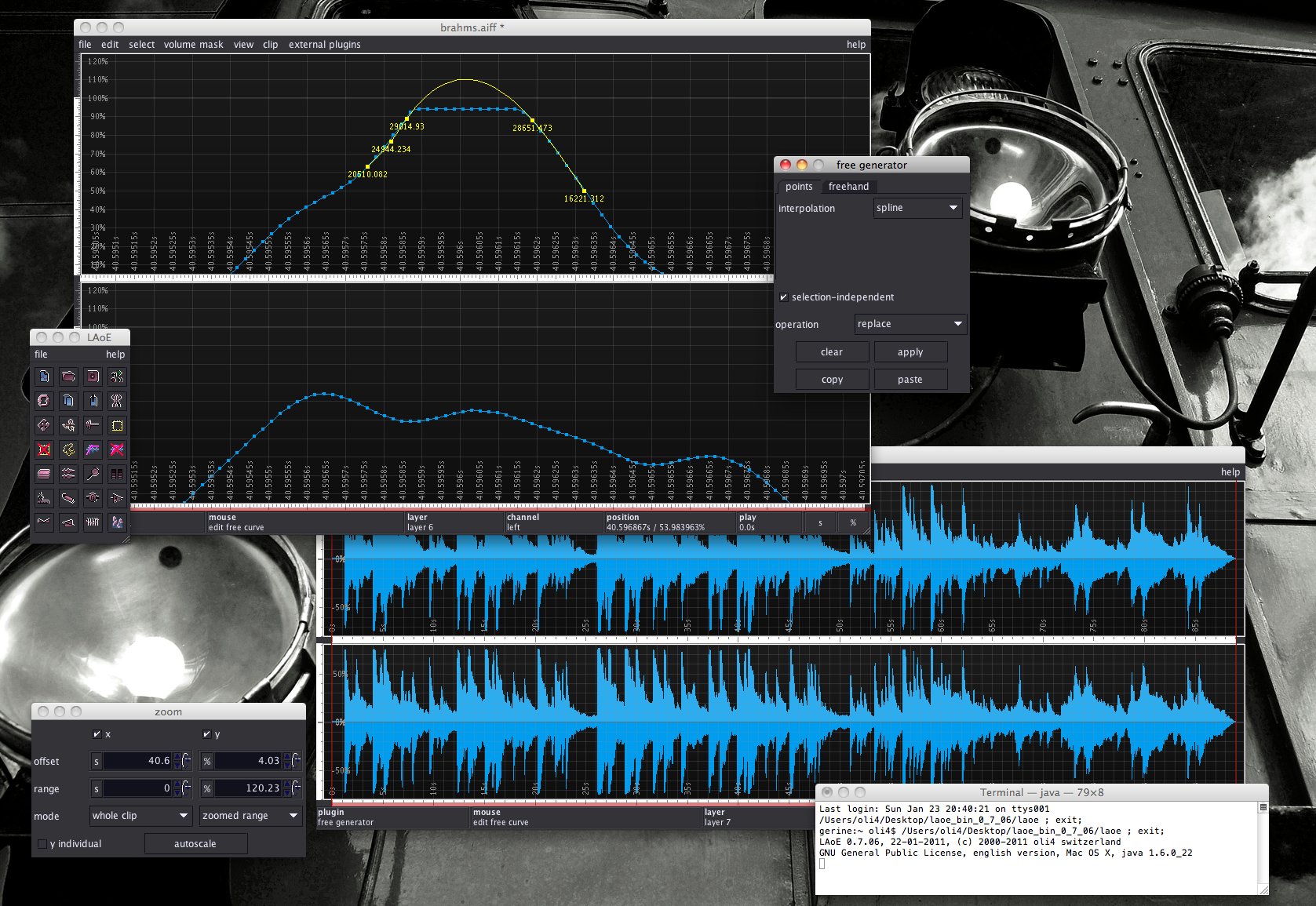
LAoE on OS X. free generator to clean up distorted record...
...multi-track project for a short music arrangement...
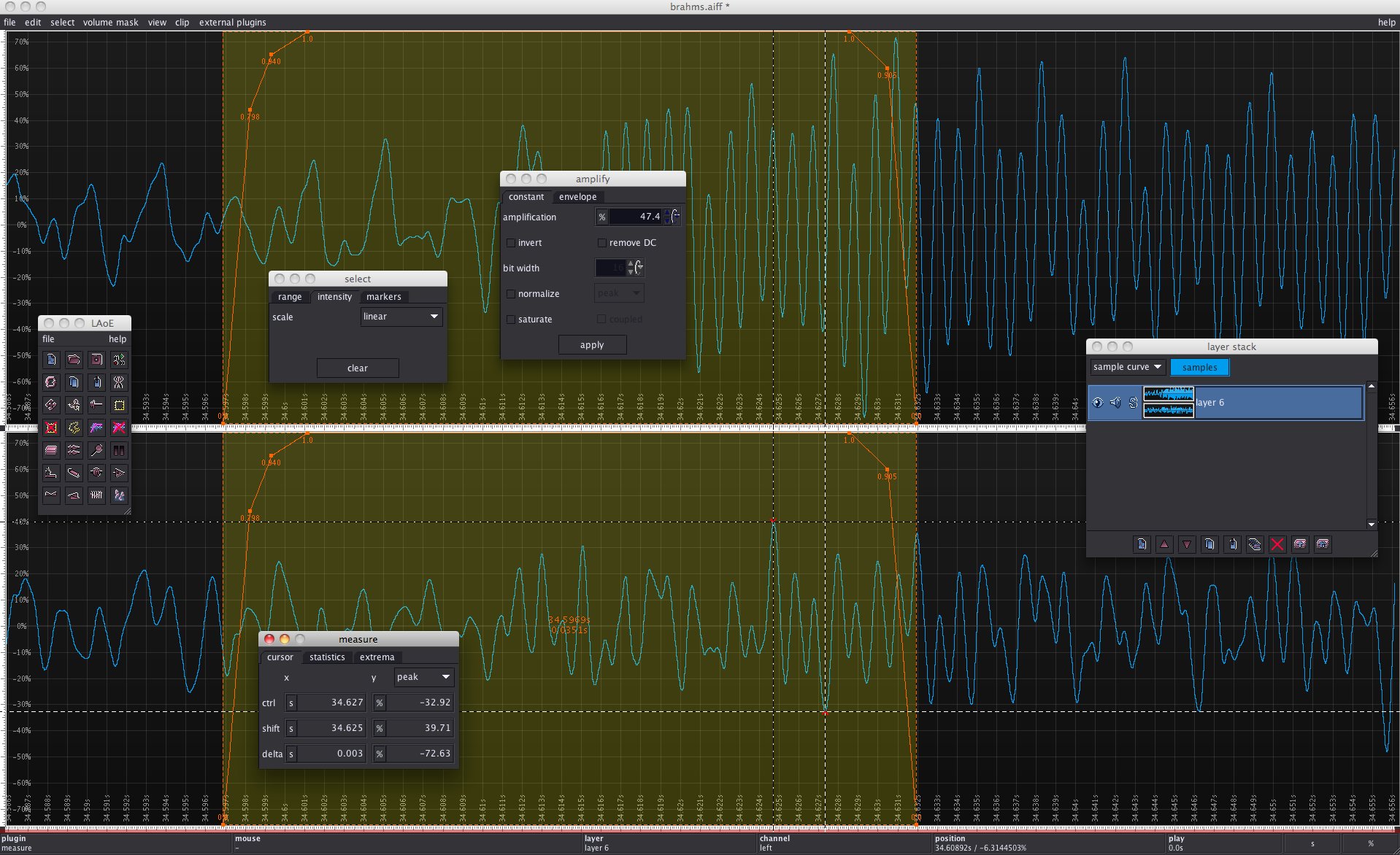
...zoomed range and local amplification defined with variable selection intensity...